MCP client integration
Memulai
docs/integration.md
Isi dalam bahasa sumber. Unduh sumber · Semua dokumen
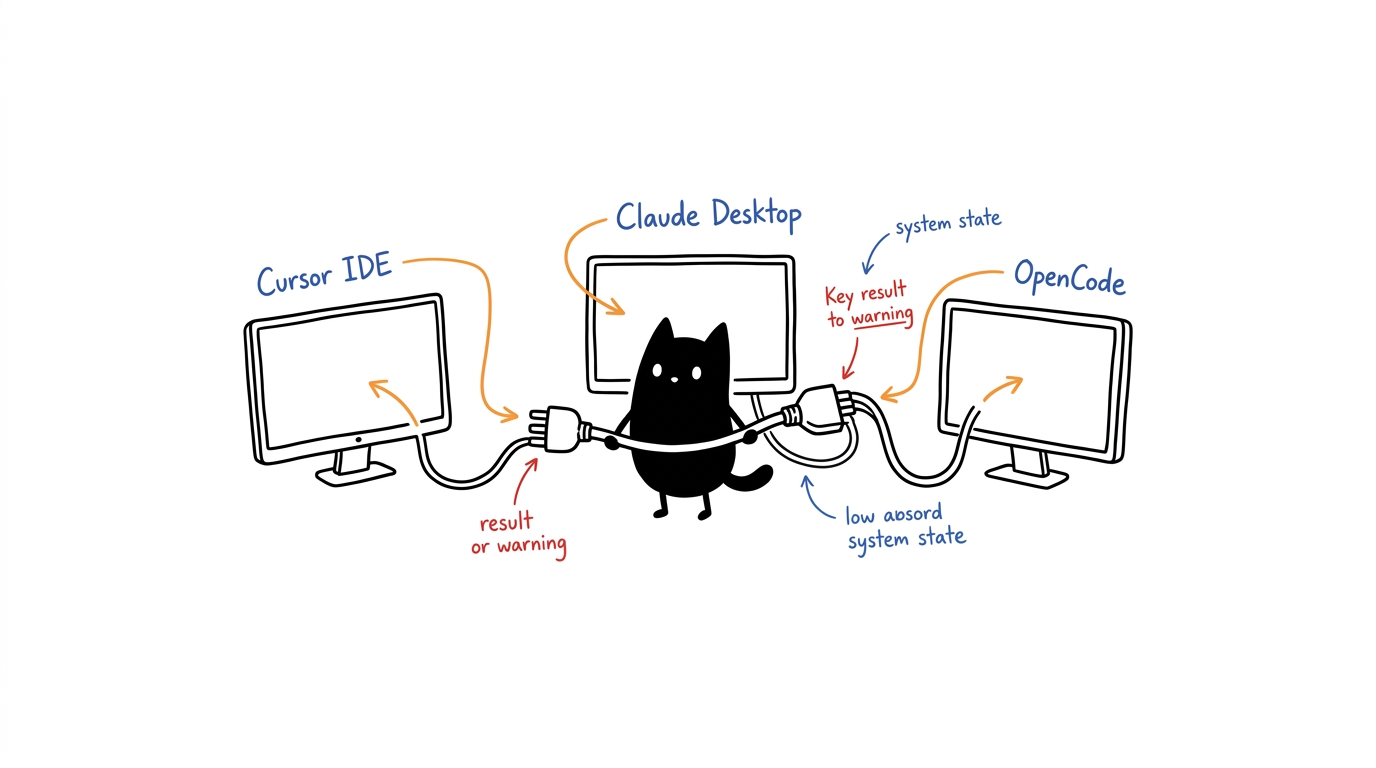
The canonical inventory and selected profile drive configuration. Do not copy old repository paths or hand-maintain a second list of servers. Current versions and counts are in current versions.
The installer now creates a managed prefix and private client fragment instead of replacing live client files. Use --mode individual, runtime, docker, docker-runtime, or nix; see installation modes. Review and merge the generated fragment. Its launcher supplies the installed executable, workspace, data location, and selected profile.
Generate configuration
Use Node 22 LTS and build the selected cells first:
./setup.sh --mode runtime --profile dev-workspace --client opencode --non-interactive
To inspect a generated file without installing it into a client:
node scripts/generate-config.mjs --profile dev-workspace --client opencode \
  --root /absolute/path/to/MCPservers/hela-mcp-ecosystem --stdout
For manually maintained repositories, --root points to the ecosystem checkout and cell directories normally sit beside it. For a managed installation, add --prefix /path/to/prefix --mode <mode> to generate a fragment using its verified launchers and metadata. Plastid's package is ll3m-mcp/brain, not its Git repository root.
Output may contain credentials supplied through environment variables or options. Do not publish generated private configuration. The committed examples use placeholders and no real keys.
Client formats and locations
- Cursor:
mcpServersJSON in~/.cursor/mcp.json. - Claude:
mcpServersJSON. Claude Desktop commonly uses~/Library/Application Support/Claude/claude_desktop_config.jsonon macOS,%APPDATA%/Claude/claude_desktop_config.jsonon Windows, and~/.config/Claude/claude_desktop_config.jsonon Linux; CLI integrations can use a different location. Confirm the file used by your installed client. - Gemini / Antigravity:
mcpServersJSON; the installer supports the configured Gemini/Antigravity path. Confirm your client version's actual file before merging. - OpenCode / Kilo:
mcpJSON. Local entries havetype: "local"and a command array. - Zed:
context_serversJSON in~/.config/zed/settings.json. Preserve unrelated settings and shared server definitions. - Codex: TOML under
[mcp_servers.<name>], not[mcpServers.<name>], in~/.codex/config.toml.
Generate a private output file with --out <path> and review/merge it instead of replacing an existing client configuration blindly. Eight profiles and ten generator backends, including Docker and skip, are checked by the CLI matrix. Browser previews use placeholder paths; the CLI is the installation/configuration source.
Single-endpoint runtime
Keep the selected profile and add the serve-mode flag:
./setup.sh --profile dev-workspace --client opencode --runtime --non-interactive
There is no runtime profile. HELA_PROFILE selects eligible cells and defaults to minimal when unset. Runtime startup and discovery spawn no cells; a call starts only its target. Standalone server definitions remain supported for installations that do not use the runtime.
The installer generates the selected-profile schema catalog. After rebuilding a cell:
npm run catalog:generate -- --profile dev-workspace
./setup.sh doctor --profile dev-workspace --runtime
See on-demand runtime for stale-cache refusal and explicit hela.pipe bootstrap. A healthy HTTP liveness endpoint alone is not full MCP or external-integration acceptance evidence.
Zed and Codex ACP ownership
Codex-native MCP entries and Zed-forwarded entries can have the same name. A duplicate warning can refer to the forwarded duplicate rather than failure of the native entry. codex mcp list inspects configuration; it does not execute servers or prove connectivity.
Do not remove shared top-level Zed definitions as a workaround: native Zed and other agents may need them. Native agent-profile permissions are not a per-ACP forwarding switch. Authenticated ACP/GUI warning verification remains separate from isolated MCP discovery. See the adapter-version-specific guidance in troubleshooting; the optional merge override is not enabled by this guide.
Keys and optional services
GitHub tokens are optional for live remote prompt/catalog operations. Enzyme can use keyless network fallbacks when Google CSE credentials are absent; configured CSE uses GOOGLE_API_KEY and GOOGLE_CSE_ID. Model-backed tools require their configured engine/provider. SQLite remains Genome's base engine; Obsidian and Redis are optional. Read keys and services and the selected server's generated canonical tool reference.
Docker installations
Use the installer to build and verify a selected-profile image before generating/using its client fragment:
./setup.sh --mode docker --profile headless-server --client docker --non-interactive
./setup.sh doctor --mode docker --profile headless-server
compose.json uses the built image ID, actual entrypoints, attached stdio without a TTY, and persistent volumes. --mode docker-runtime selects one runtime container. Add --transport http only for runtime-based modes; the installer generates loopback-only HTTP settings and leaves listener startup explicit. The older seven-cell config/docker-compose.yml is historical scaffolding, not the supported installer path. Hardware and provider integrations are still separate.
Acceptance and reloads
./setup.sh doctor --profile dev-workspace --runtime
npm run test:matrix
npm run docs:check
Use --runtime only when that runtime is installed. Run full-stack integration/profile tests on a machine with the required cells, or select the installed subset. Reload only the relevant clients after review; some clients auto-reload immediately on settings changes. Back up live databases/vaults before changing synchronization hooks. Do not restore over active SQLite files, force a vault conflict winner, or kill unrelated processes during verification.
Powerful filesystem, command, browser, and agent tools run with their server account's privileges. Current verification is not a security sandbox or authenticated-public-endpoint guarantee; see security status.